
How to create a new user
- Go to the Tools/Config tab of the ribbon menu:

- From here there are 2 ways of creating a new user:
a. Click the Manage Users & Groups button and then the New User button: OR
OR
b. Select the drop-down arrow of the Mange Users & Groups button and click "New User".
- When you select New User this dialogue box will open up:
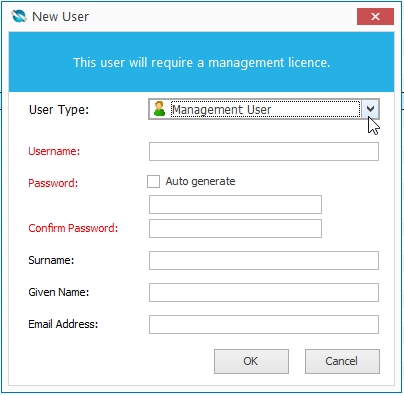
Select the user type. Find out more about different types of users here.